What Laptop Operating System Should You Use?
Brad Cupp·10-12-2020·4 min read

When buying a new laptop, one of the first decisions to make is which operating system (OS) to buy. For some, the choice is easy. They select whatever OS was on their previous computer. For people buying their first computer, looking for a change or simply curious about the different options, this article offers a brief overview of the three most common operating systems on new laptops: Windows, MacOS and Chrome OS. 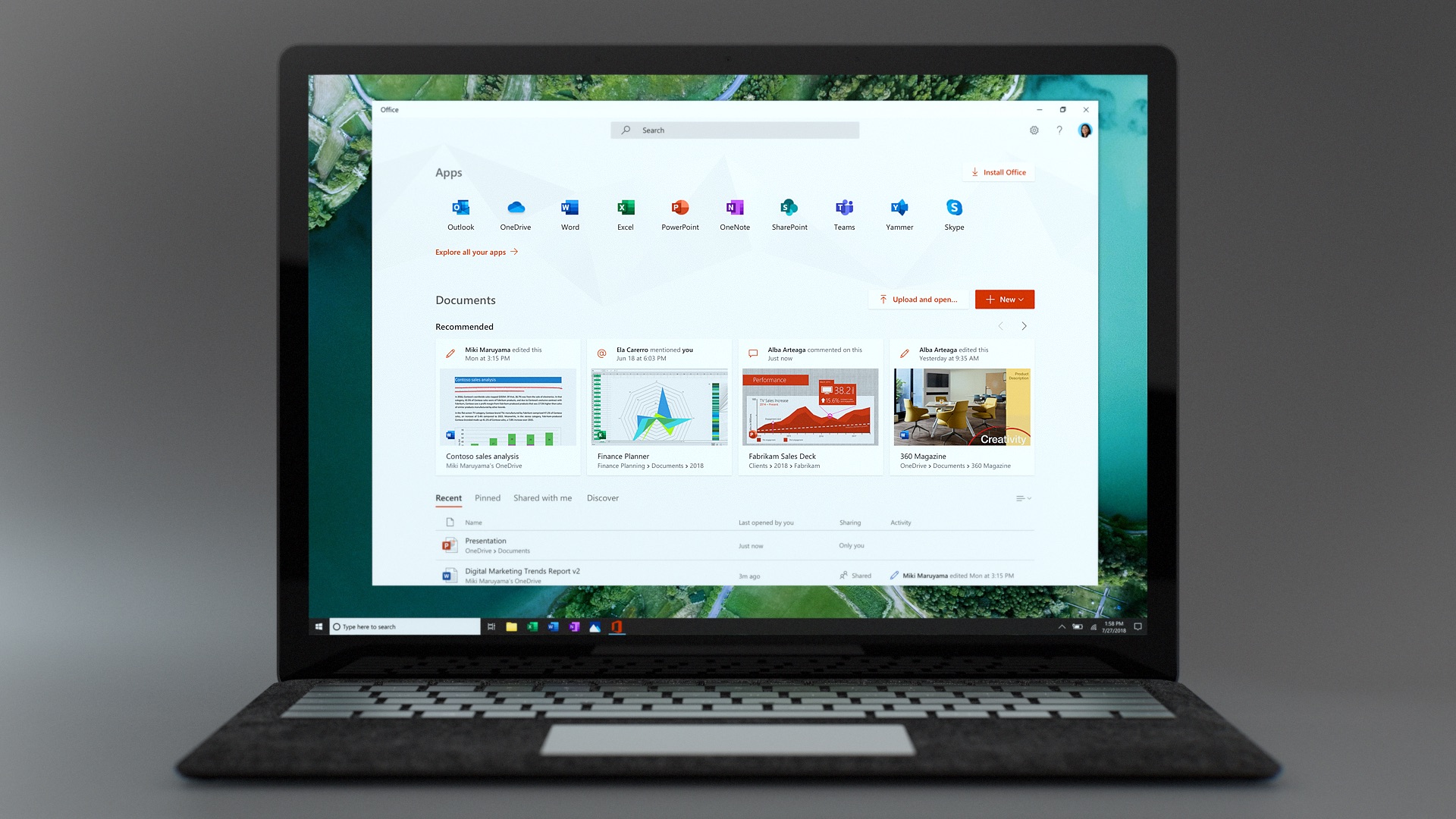
Windows is by far the most used computer operating system. According to hostingtribunal.com, over 79% of desktops and laptops run Windows. One of the benefits of being the most popular OS is the sheer variety of Windows devices and device manufacturers compared to MacOS or Chrome OS. You can get anything from a 10” tablet all the way to a 21” 18 pound gaming laptop whereas the type of devices that support MaOS or ChromeOS is much more limited.
Another benefit of the huge marketshare is that most software applications can run on windows. Since the majority of laptops and desktops have windows installed, there are many more potential customers for software developers to target. This is especially true with games. If your primary reason for buying a new laptop is to play games, or overall software compatibility, a windows laptop is the obvious choice.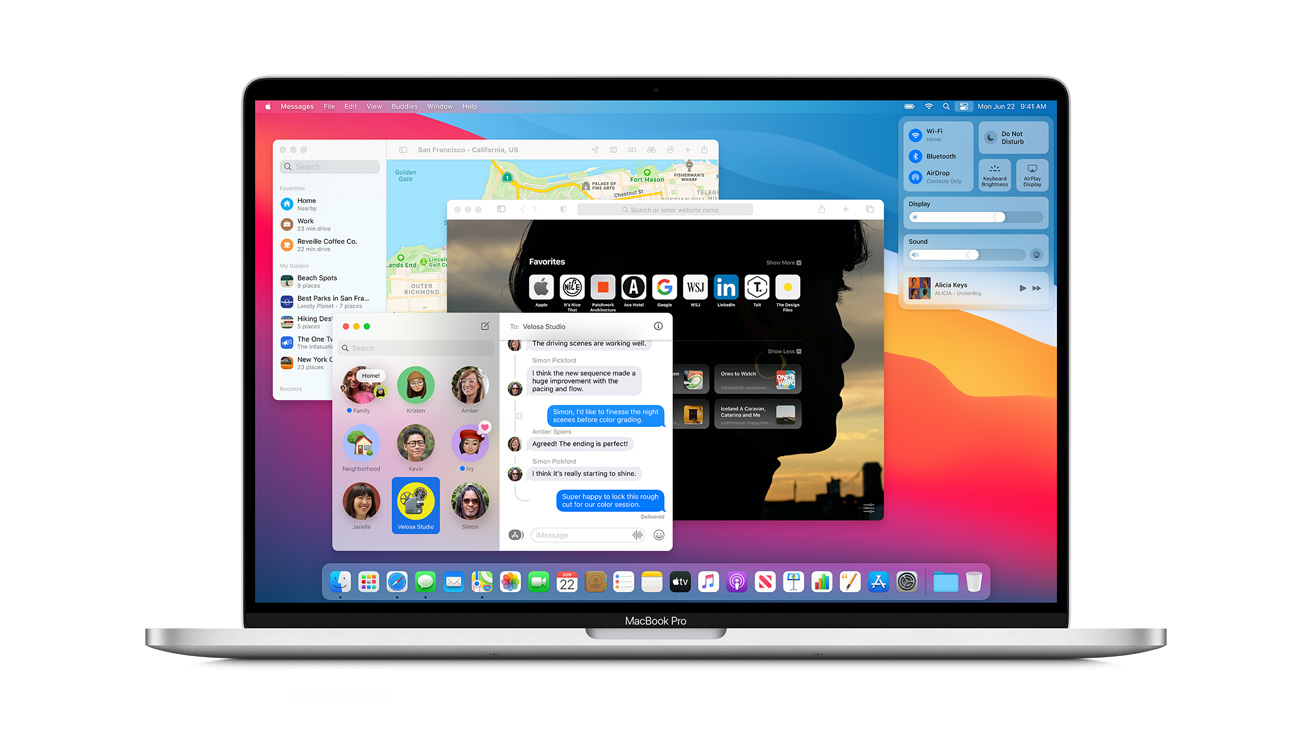
macOS is the second most popular laptop OS with ~15% marketshare. Unlike Windows and Chrome OS, macOS only runs on laptops and desktops created by Apple. The primary downside to this approach is lack of hardware and software variety, but the biggest upside is enhanced simplicity and speed.
Apple’s control over both its software and hardware enables a very smooth day-to-day computing experience where all the software you run is optimized for your specific computer. This is further amplified if you own other Apple devices like the iPhone or iPad as messages, phone calls, notes, reminders and more sync seamlessly across the Apple ecosystem. For some, the ease of use between devices can offset the lack of options and the increased cost of owning a macOS device.
Another perk of owning a macOS laptop is the support provided by Apple. Every future macOS version for your computer will be free. Apple also offers free software and hardware training sessions in every store, along with faster and more accessible product repairs.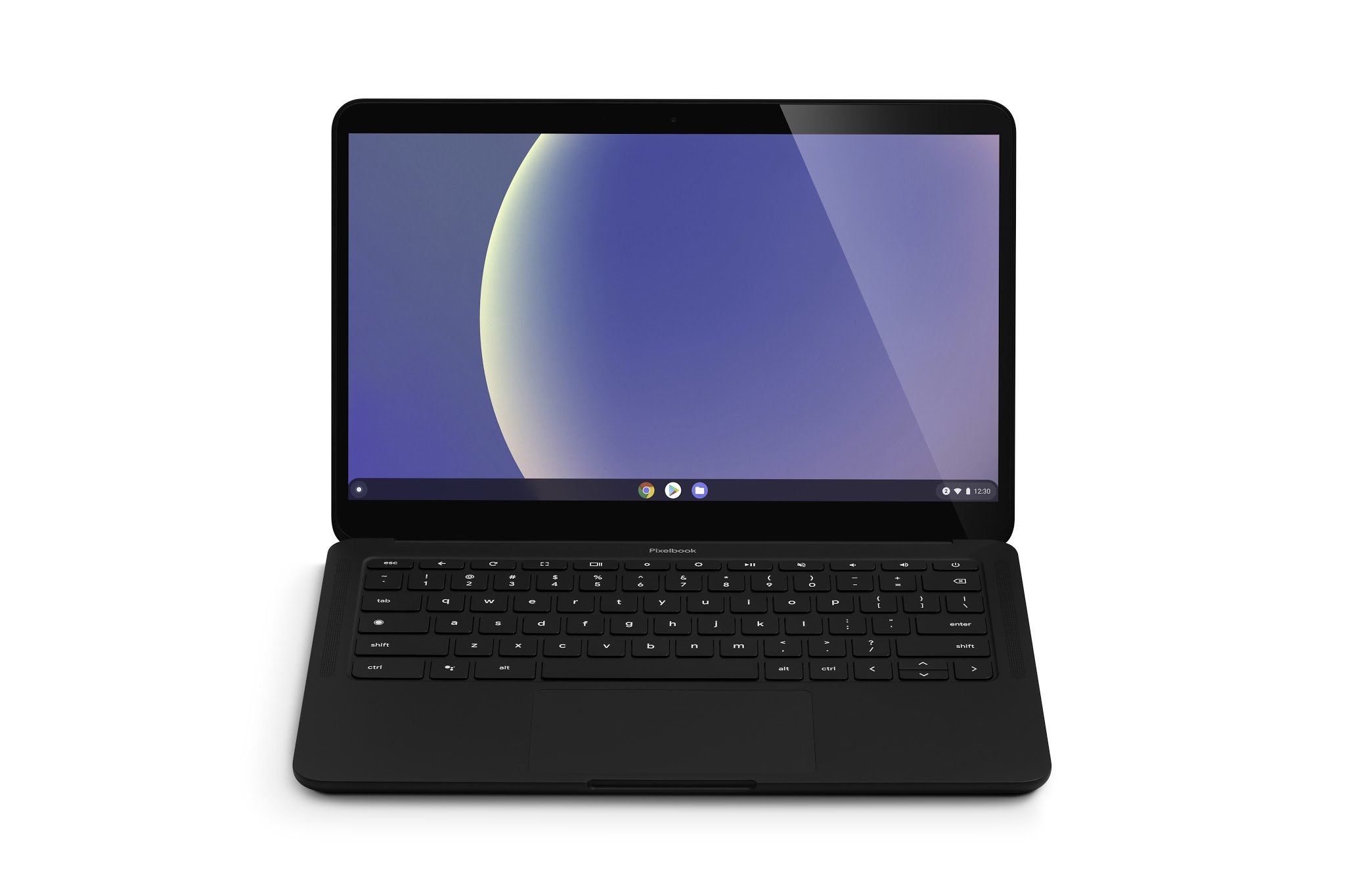
Chrome OS is the newest OS out of the three with roughly 1.5% marketshare. First released in 2011 by Google, Chrome OS gained most of its popularity in the k-12 education space. Chrome OS is centered around google web applications and works best for those who want a computer almost exclusively for web browsing. The interface is designed to be simple to set up and use.
Like Windows, there are many manufacturers that create Chrome OS devices, often at very low prices when compared to their macOS and Windows counterparts. While not ideal for professional software or gaming, a Chrome OS device is a fast and inexpensive solution if the work and play you do on a computer can all be done in a web browser,
Windows
Windows is by far the most used computer operating system. According to hostingtribunal.com, over 79% of desktops and laptops run Windows. One of the benefits of being the most popular OS is the sheer variety of Windows devices and device manufacturers compared to MacOS or Chrome OS. You can get anything from a 10” tablet all the way to a 21” 18 pound gaming laptop whereas the type of devices that support MaOS or ChromeOS is much more limited.
Another benefit of the huge marketshare is that most software applications can run on windows. Since the majority of laptops and desktops have windows installed, there are many more potential customers for software developers to target. This is especially true with games. If your primary reason for buying a new laptop is to play games, or overall software compatibility, a windows laptop is the obvious choice.
macOS
macOS is the second most popular laptop OS with ~15% marketshare. Unlike Windows and Chrome OS, macOS only runs on laptops and desktops created by Apple. The primary downside to this approach is lack of hardware and software variety, but the biggest upside is enhanced simplicity and speed.
Apple’s control over both its software and hardware enables a very smooth day-to-day computing experience where all the software you run is optimized for your specific computer. This is further amplified if you own other Apple devices like the iPhone or iPad as messages, phone calls, notes, reminders and more sync seamlessly across the Apple ecosystem. For some, the ease of use between devices can offset the lack of options and the increased cost of owning a macOS device.
Another perk of owning a macOS laptop is the support provided by Apple. Every future macOS version for your computer will be free. Apple also offers free software and hardware training sessions in every store, along with faster and more accessible product repairs.
Chrome OS
Chrome OS is the newest OS out of the three with roughly 1.5% marketshare. First released in 2011 by Google, Chrome OS gained most of its popularity in the k-12 education space. Chrome OS is centered around google web applications and works best for those who want a computer almost exclusively for web browsing. The interface is designed to be simple to set up and use.
Like Windows, there are many manufacturers that create Chrome OS devices, often at very low prices when compared to their macOS and Windows counterparts. While not ideal for professional software or gaming, a Chrome OS device is a fast and inexpensive solution if the work and play you do on a computer can all be done in a web browser,